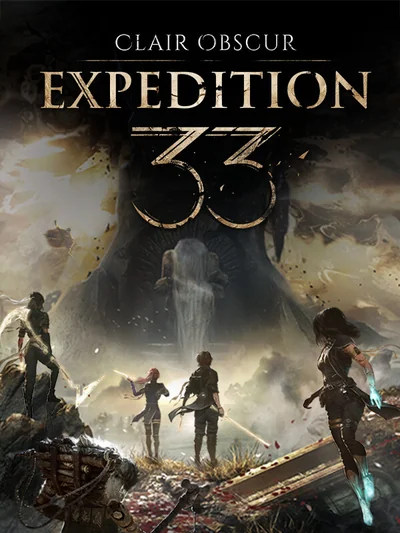
How to redeem your Microsoft Store key step by step, with the region rules, the account it binds to, and the pitfall that catches most buyers out.
How to redeem the code
- Open microsoft.com/redeem in a browser and sign in.
- Enter the code and confirm which account it goes to.
- The Xbox app for Windows accepts the same code.
Region and account
What matters is the country stored on your Microsoft account. If it does not match the code, the form stops with a region message.
A Microsoft account is required. The title then shows up in the Xbox app library and in the Microsoft Store.
A common pitfall
PC and console editions are separate products unless the title supports Xbox Play Anywhere.