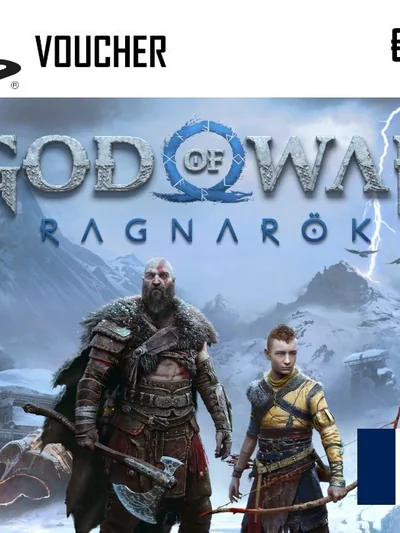
How to redeem your PlayStation 5 key step by step, with the region rules, the account it binds to, and the pitfall that catches most buyers out.
How to redeem the code
- Open the PlayStation Store on the PS5.
- Select your profile picture in the top right, then 'Redeem Codes'.
- Enter the twelve character code and confirm.
Region and account
PSN codes are bound to the country on your PlayStation account. A code for another country needs an account from that exact country, and an existing account cannot be relocated.
The game belongs to the account rather than the console. Other profiles reach it through the preferred console setting.
A common pitfall
Not every PS4 edition includes the free upgrade to the PS5 version. If the PS5 edition matters to you, buy it directly.